
If you migrated a space that uses Scroll Sites Data Center to Confluence Cloud, and that space contains legacy viewport macros (tabs, forms, slides, or URL redirects), you'll need to run a manual macro conversion after migration for that content to render correctly in your Confluence pages and Scroll Sites websites.
This conversion tool is included with Scroll Exporter Extensions and is available under General Configuration > Apps > Scroll Exporter Extensions Macro Conversion Tool.
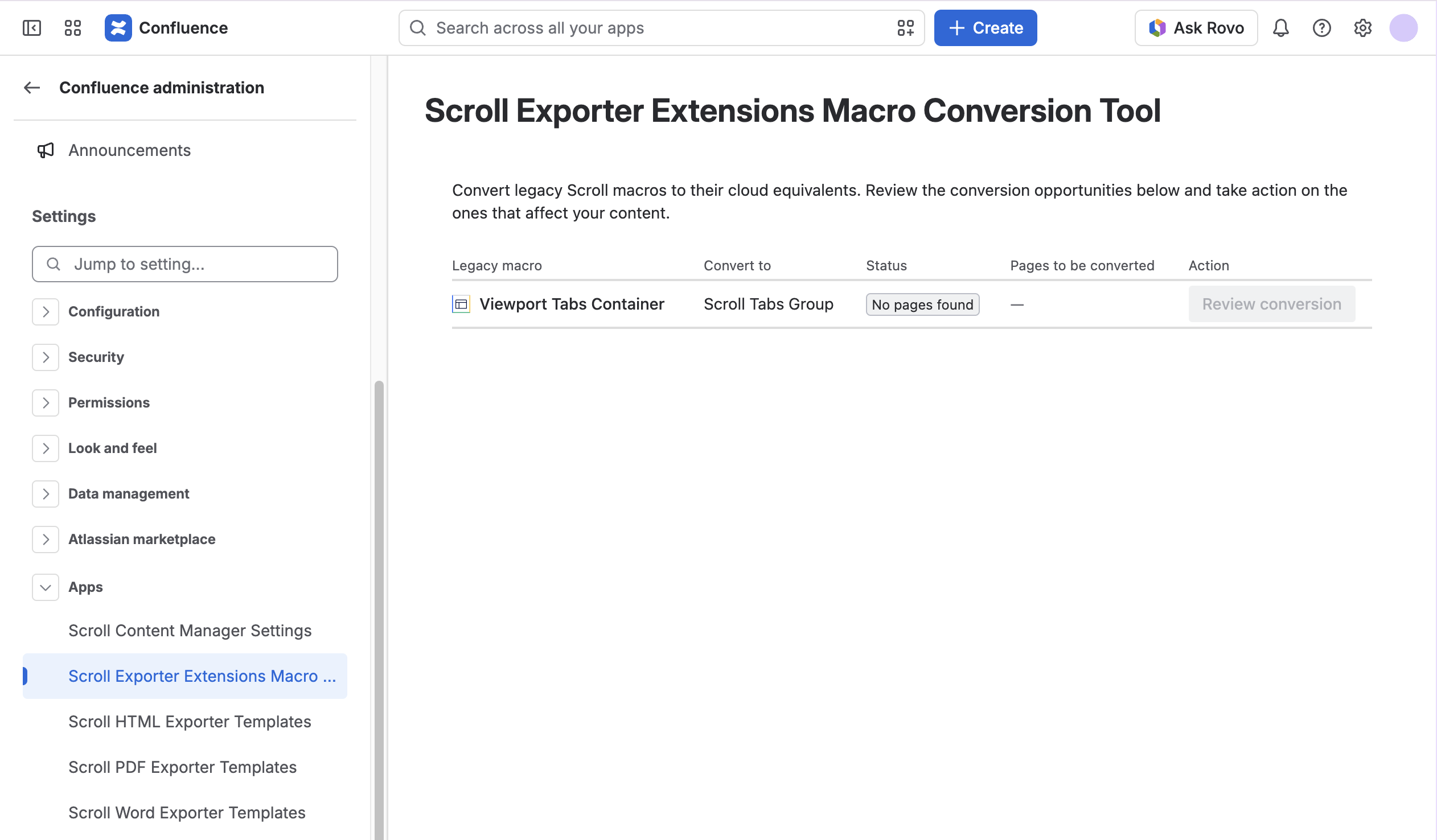
Since the tool is still a work in progress, check which macros it currently supports before you start. For that list, along with full instructions on detecting affected content, setting scope, and running the conversion, see Convert legacy viewport macros after migrating to Cloud.