
Given the scope of using JavaScript, we only provide a limited number of examples that can be used to modify your export output.
Through changes in the custom.js file you can make further theme adaptions that may otherwise not be easily achievable with only CSS. For example, you may want to integrate with other services (eg. Google Analytics). Alternatively, you may want to make css and JavaScript changes in combination to modify the output of the generated HTML export. If you’re interested in adding metadata to your export output, please see our related documentation.
This page outlines some examples which allow users to:
Change the Favicon
To change the Favicon that the browser uses when displaying the generated export, add the following code with the custom.js file
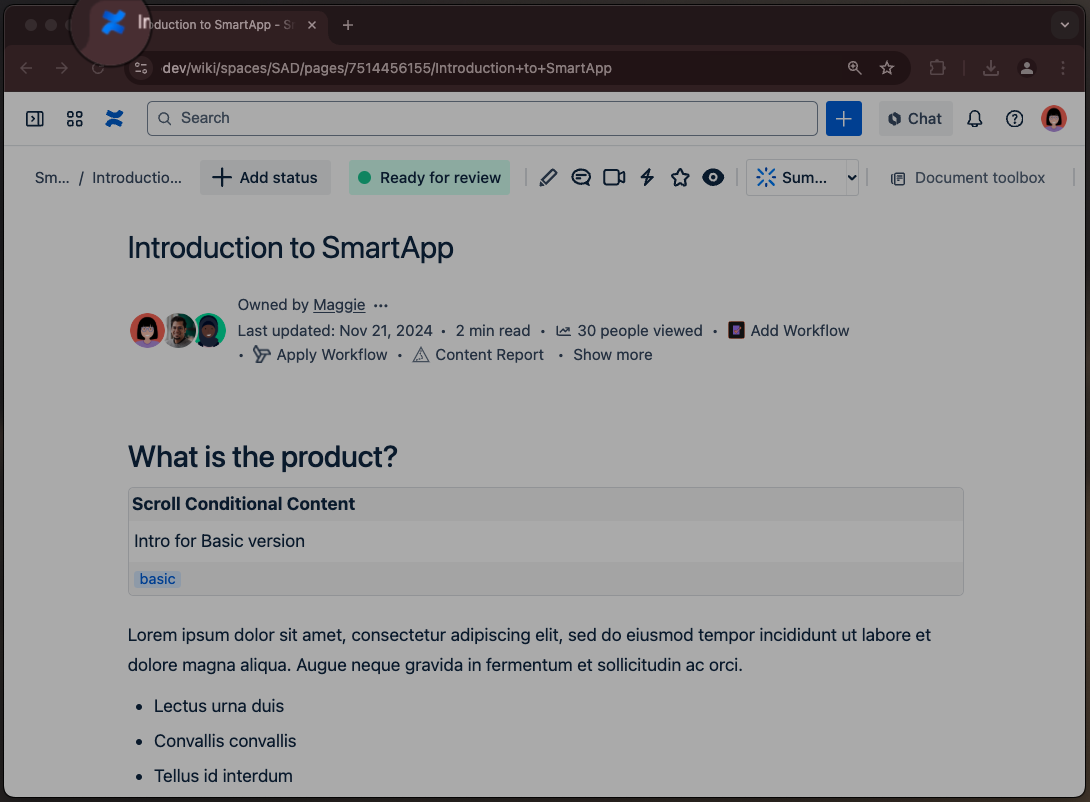
const link = document.querySelector('link[rel="icon"]');
if (link) {
  link.href = 'custom/images/uploaded-image.png';
}
After this, within the Template Settings you would then need to upload a custom image with the matching filename (ie.uploaded-image.png) within the Template Customization section.
Add Link to Header Section
To add a link to the header section add the following code within the custom.js file
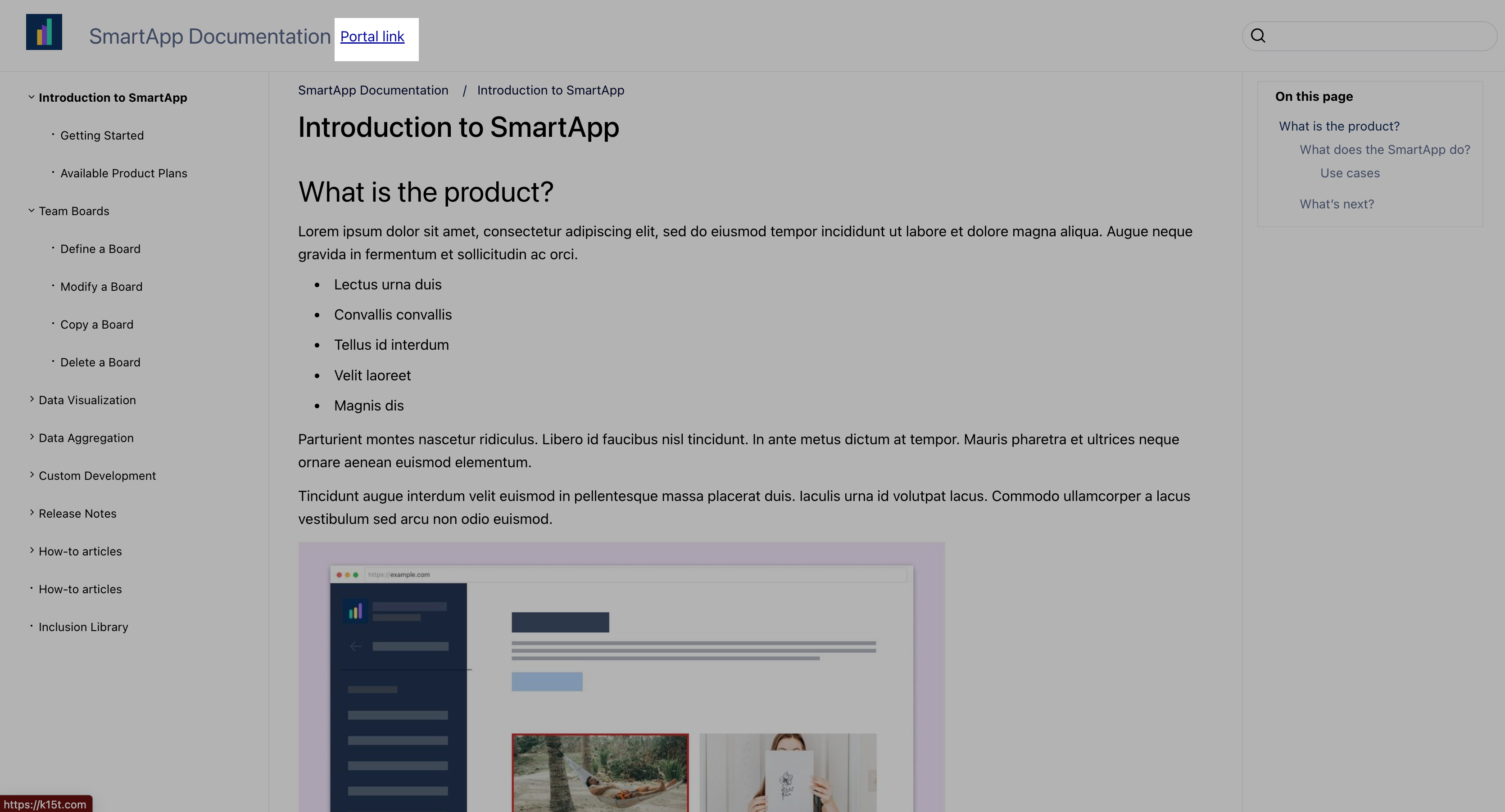
document.addEventListener('DOMContentLoaded', () => {
    const LINK_TEXT = 'Portal link';
    const LINK_URL = 'https://k15t.com';


    const titleBar = document.querySelector('.exp-document-title');

    if (titleBar) {
        const link = document.createElement('a');
        link.innerText = LINK_TEXT;
        link.href = LINK_URL;

        link.classList.add('header-link');
        link.target = '_blank';

        titleBar.appendChild(link);
    }
}, false);
To format the added link add the following code within the custom.css file (learn more)
.exp-document-title {
  display: flex;
  flex-direction: row;
  justify-content: flex-start;
  align-items: center;
}

.header-link {
  margin-left: 10px;
}
Remove Document Title from the Header Section
To remove the page title from the header section add the following code within the custom.js file
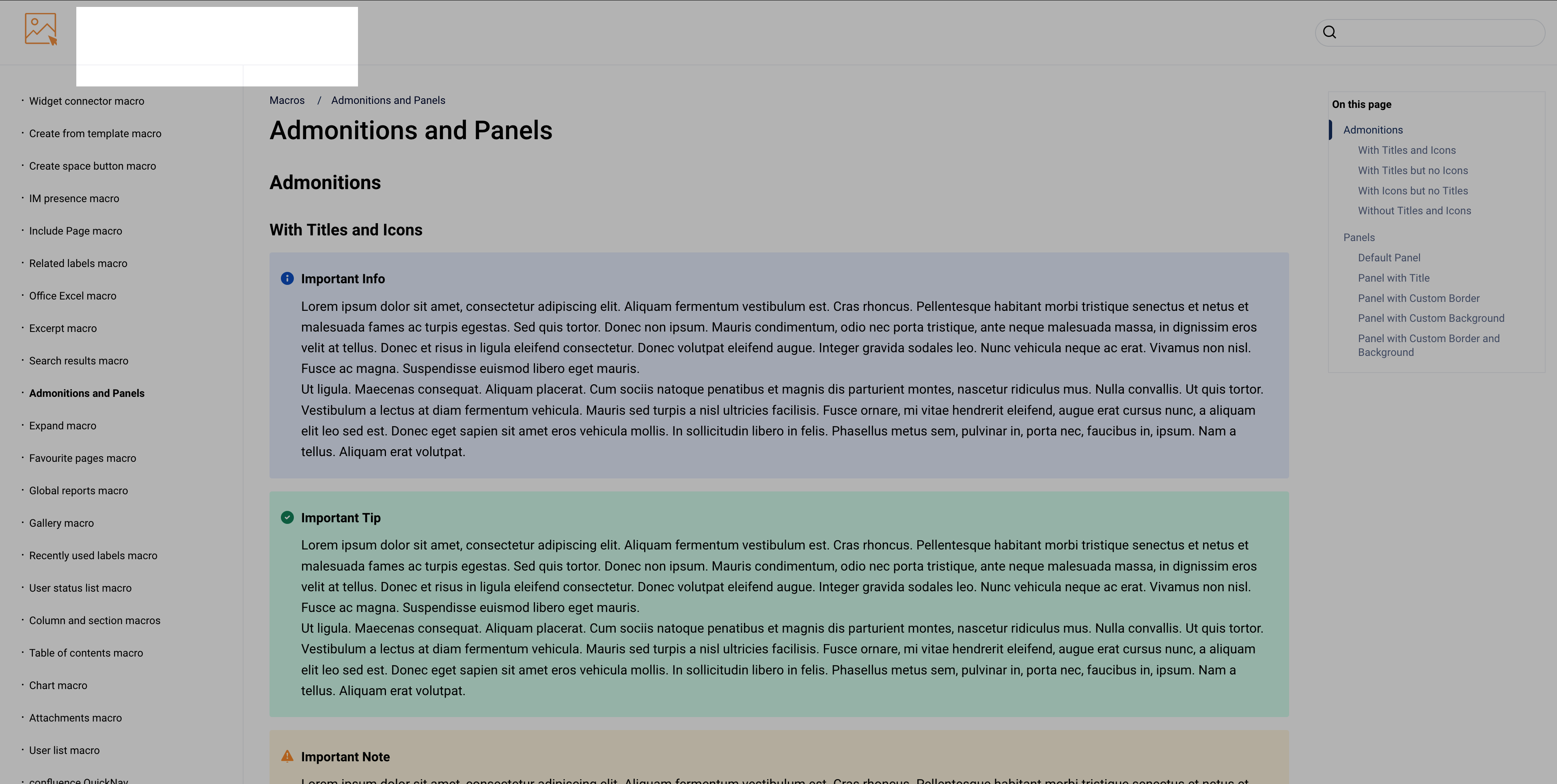
document.addEventListener('DOMContentLoaded', function() {
    document.querySelector('.exp-document-title a').innerText = '';
});
Add Page Title to Header Section
To add heading text to the header section add the following code within the custom.js file
.png?cb=1c177fc9389b9bb7bf62e9ceda066371)
document.addEventListener('DOMContentLoaded', function() {
    const spaceName = document.querySelector('meta[name="exp-page-title"]').content;

    document.querySelector('.exp-document-title a').innerText = spaceName;
});
Add Static Text to Header Section
To add heading text to the header section, add the following code within the custom.js file
.png?cb=e548f4fe355a69b7a3d9bc35e4b597b4)
document.addEventListener('DOMContentLoaded', function() {
    document.querySelector('.exp-document-title a').innerText = 'A custom header text';
});
Add Custom Image to Header
To add a custom image to the header, you can use two approaches.
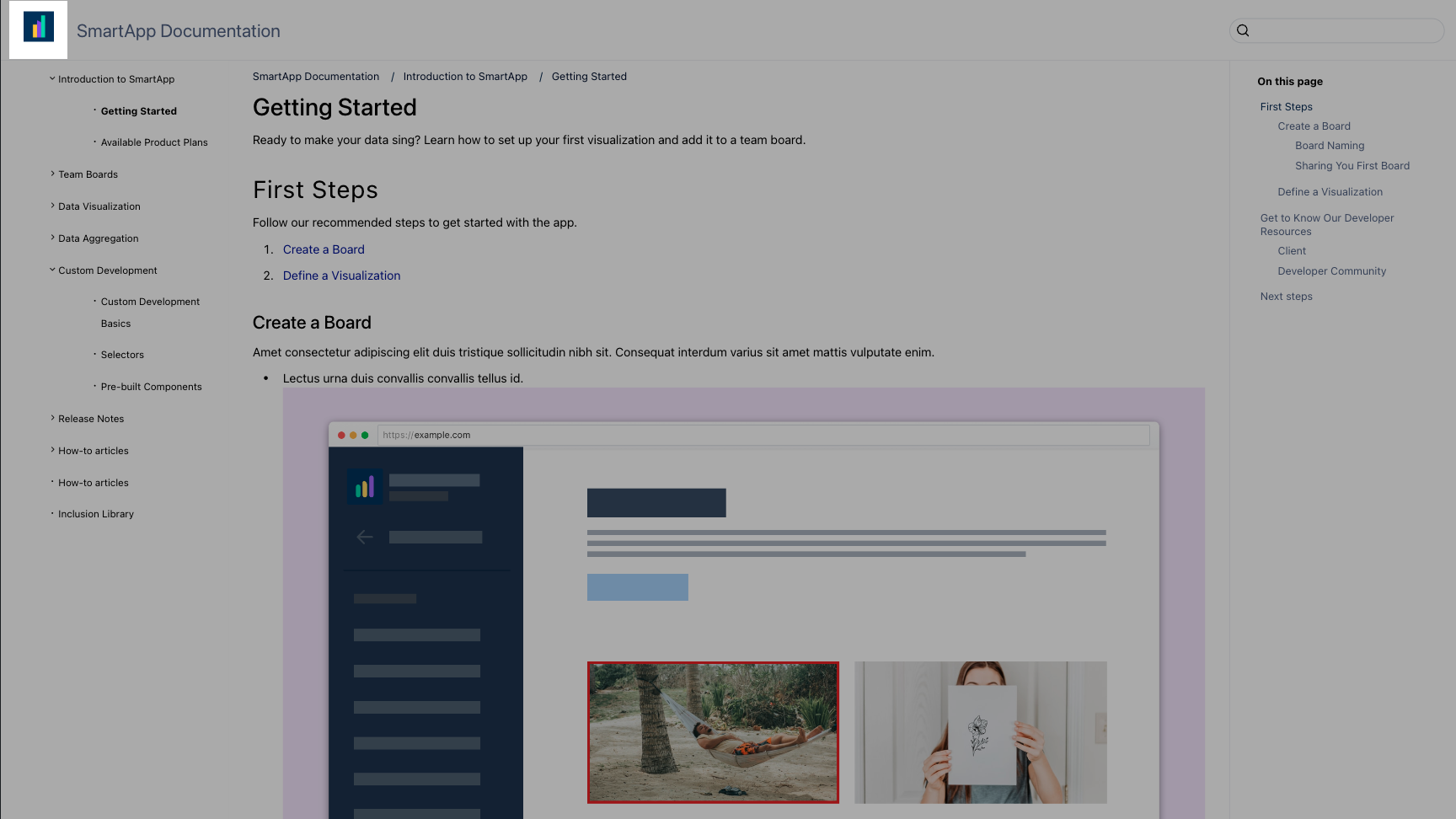
Include an image as a data URL:
-
Add the following code within the custom.js file:
document.addEventListener('DOMContentLoaded', function() {
    document.querySelector(".exp-logo-image").style = "background-image: url(data:image/gif;base64,<GIF_IMAGE_AS_BASE64_HERE>)";
});
Include an image uploaded to the template:
-
Add the following code within the custom.js file:
document.addEventListener('DOMContentLoaded', function() {
    document.querySelector(".exp-logo-image").style = "background-image: url(custom/images/uploaded-file-name.png)";
});
Change the “Back to Top” navigation anchor text
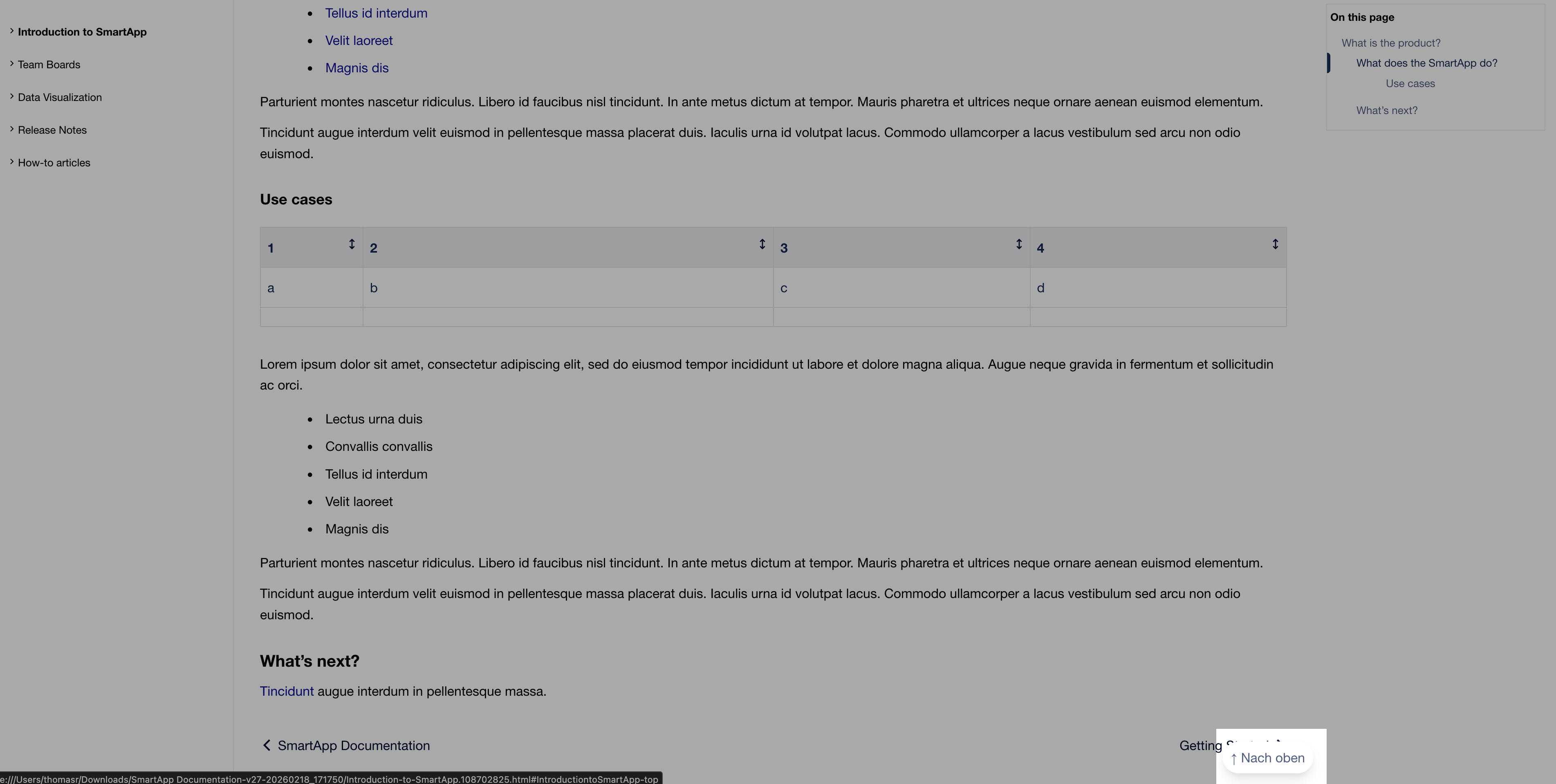
To change the text for the “Back to top” navigation link, add the following code within the custom.js file:
(function() {
    'use strict';

    let strings = {
        backToTop: '\u2191 Nach oben',
    };

    function translateBackToTop() {
        let link = document.querySelector('.exp-scroll-to-top-link');
        if (link && link.textContent.indexOf('Back to top') !== -1) {
            link.textContent = strings.backToTop;
        }
    }

    function init() {
        translateBackToTop();

    }

    if (document.readyState === 'loading') {
        document.addEventListener('DOMContentLoaded', init);
    } else {
        init();
    }
})();
Change Search related text
You can change the following search related text using Javascript.
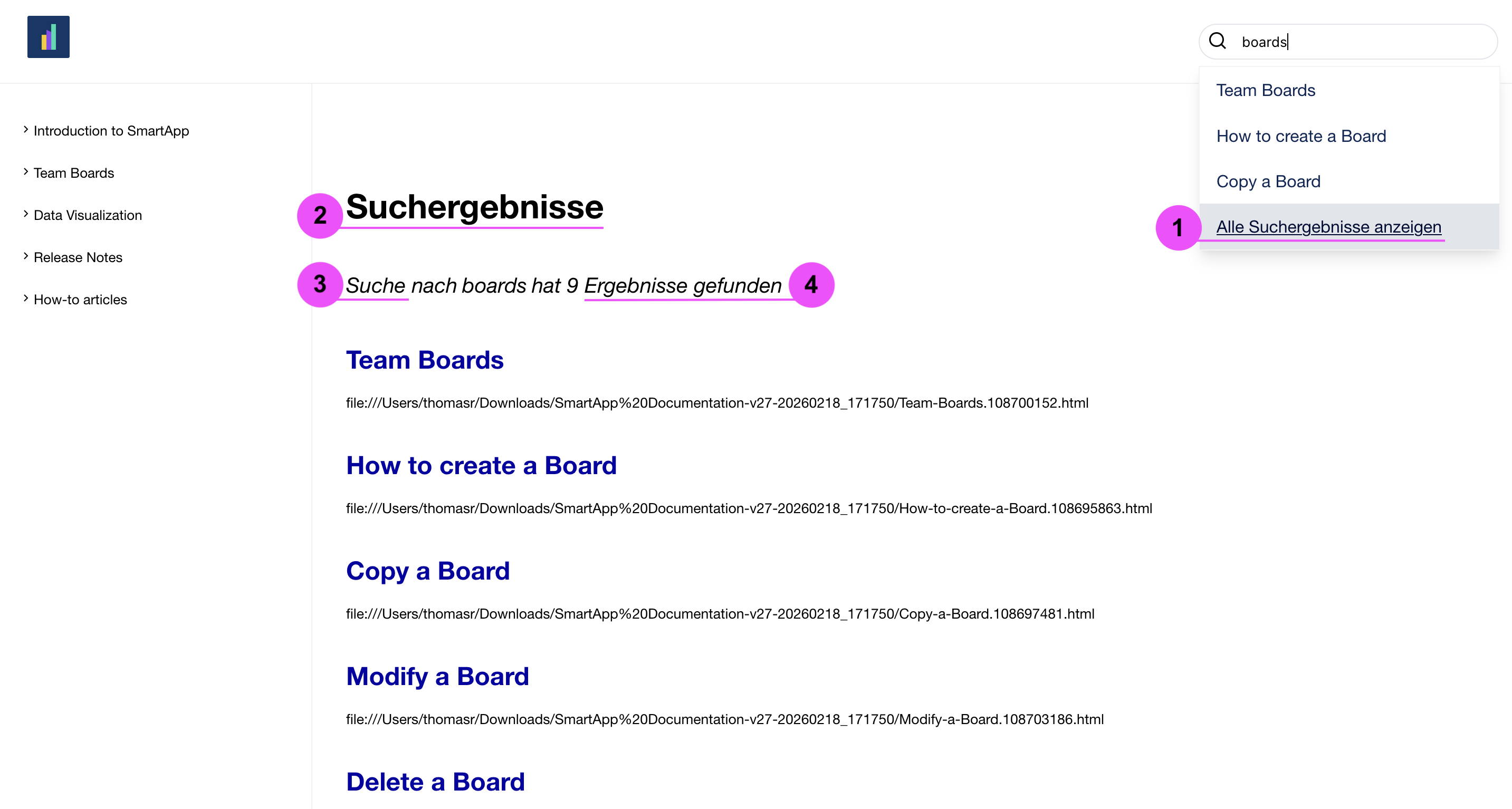
-
See all search results text
-
Search results text
-
Search for text
-
Returned results text
To change the search related text, add the following code within the custom.js file and adapt with the desired display text:
(function() {
    'use strict';

    let strings = {
        seeAllSearchResults: 'Alle Suchergebnisse anzeigen',
        searchResults: 'Suchergebnisse',
        searchFor: 'Suche nach',
        returnedNoResults: ' hat keine Ergebnisse gefunden',
        returnedResults: ' hat {n} Ergebnisse gefunden'
    };


    function translateSeeAllSearchResults(element) {
        if (element && element.textContent === 'See all search results') {
            element.textContent = strings.seeAllSearchResults;
        }
    }

    function translateSearchResultsPage() {
        let h1 = document.querySelector('main.exp-content h1, #article-content h1');
        if (h1 && h1.textContent === 'Search Results') {
            h1.textContent = strings.searchResults;
        }

        let resultsLabel = document.getElementById('results-label');
        if (resultsLabel && resultsLabel.textContent === 'Search for') {
            resultsLabel.textContent = strings.searchFor;
        }

        let resultCount = document.getElementById('result-count');
        if (resultCount) {
            let text = resultCount.textContent;
            if (text === ' returned no results') {
                resultCount.textContent = strings.returnedNoResults;
            } else {
                let match = text.match(/^ returned (\d+) results$/);
                if (match) {
                    resultCount.textContent = strings.returnedResults.replace('{n}', match[1]);
                }
            }
        }
    }

    function observeResultCount() {
        let resultCount = document.getElementById('result-count');
        if (!resultCount) return;

        let observer = new MutationObserver(function() {
            let text = resultCount.textContent;
            if (text === ' returned no results') {
                resultCount.textContent = strings.returnedNoResults;
            } else {
                let match = text.match(/^ returned (\d+) results$/);
                if (match) {
                    resultCount.textContent = strings.returnedResults.replace('{n}', match[1]);
                }
            }
        });

        observer.observe(resultCount, { characterData: true, subtree: true, childList: true });
    }

    function observeSearchSuggestions() {
        let container = document.querySelector('#search-suggestion-container');
        if (!container) return;

        let observer = new MutationObserver(function(mutations) {
            let link = document.querySelector('.search-suggestions-see-all-item');
            translateSeeAllSearchResults(link);
        });

        observer.observe(container, { childList: true, subtree: true });
    }

    function init() {
        translateSearchResultsPage();
        observeResultCount();
        observeSearchSuggestions();

        setTimeout(function() {
            translateSeeAllSearchResults(document.querySelector('.search-suggestions-see-all-item'));
        }, 500);
    }

    if (document.readyState === 'loading') {
        document.addEventListener('DOMContentLoaded', init);
    } else {
        init();
    }
})();