As part of our ongoing commitment to security, reliability, and alignment with Atlassian's cloud platform, Scroll PDF Exporter has now been migrated from Atlassian Connect to the Forge framework. While the migration doesn't change how you create PDF exports, there are now a few differences you may notice when using the app - these are summarized below.
The documented changes are a result of the migration to Atlassian Forge and reflect current platform capabilities and limitations. We continue to work with Atlassian's evolving platform and will make improvements as Atlassian expands Forge's capabilities.
REST API Tokens Have Moved
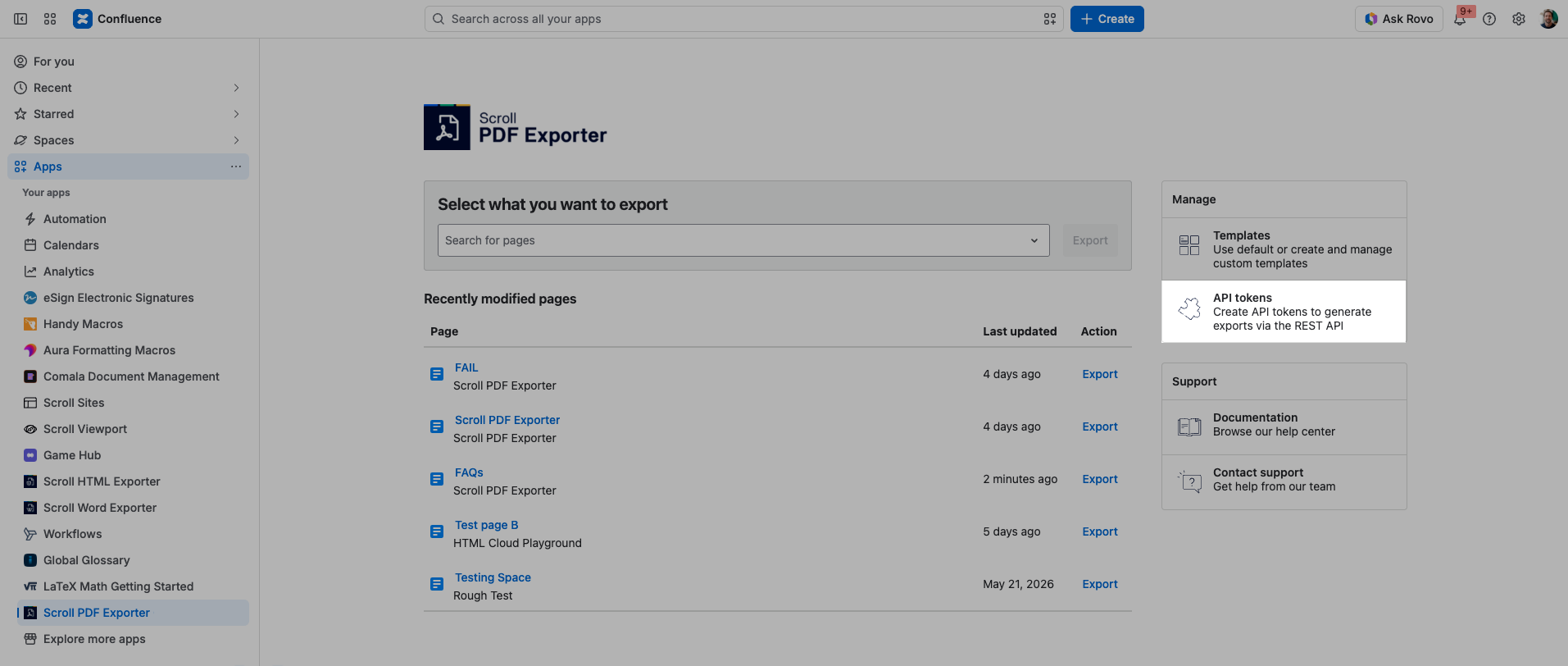
The REST API token management page has a new location. Previously, REST API tokens were generated by users from their Personal Settings. Now, you can find the REST API token management section by navigating to Scroll PDF Exporter’s global location via Apps > Scroll PDF Exporter → Sidebar → Manage → API tokens:
Larger User Interface Elements
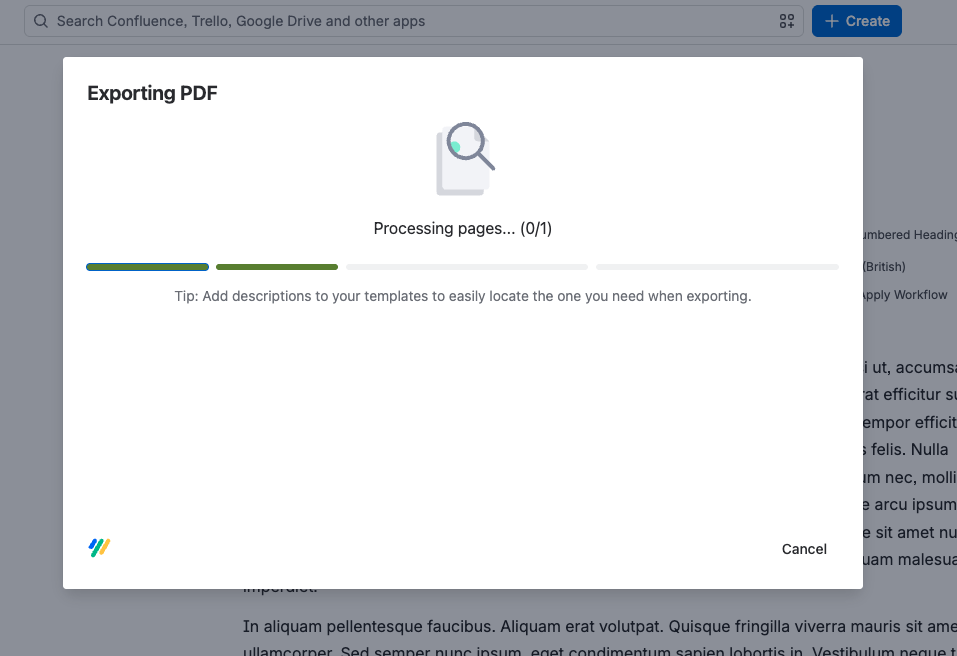
Some parts of the export dialog may appear larger than before. This is due to current limitations in Forge's UI resizing capabilities, which prevent us from matching the exact dimensions of the previous Connect-based interface. This only affects the visual appearance and the functionality remains the same.
Template Favorites and "Last Used" Template" Are Reset
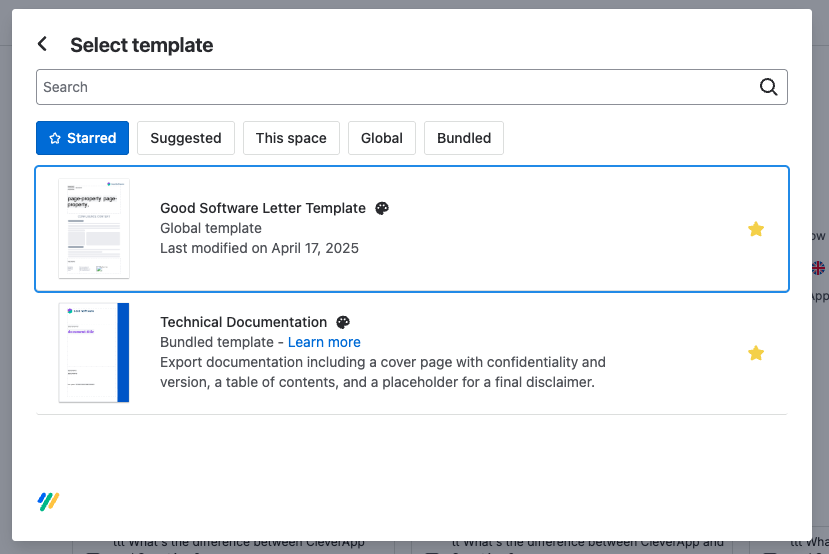
As a side effect of the migration to Forge, your saved template favorites and "last used template" selection will no longer be available the first time you open the export dialog. These preferences were previously stored in your browser's local storage and cannot be accessed following the migration. However, once you begin using the Forge version, your favorites and recently used template will be stored again for future use.
Space-Level Template List Has Moved
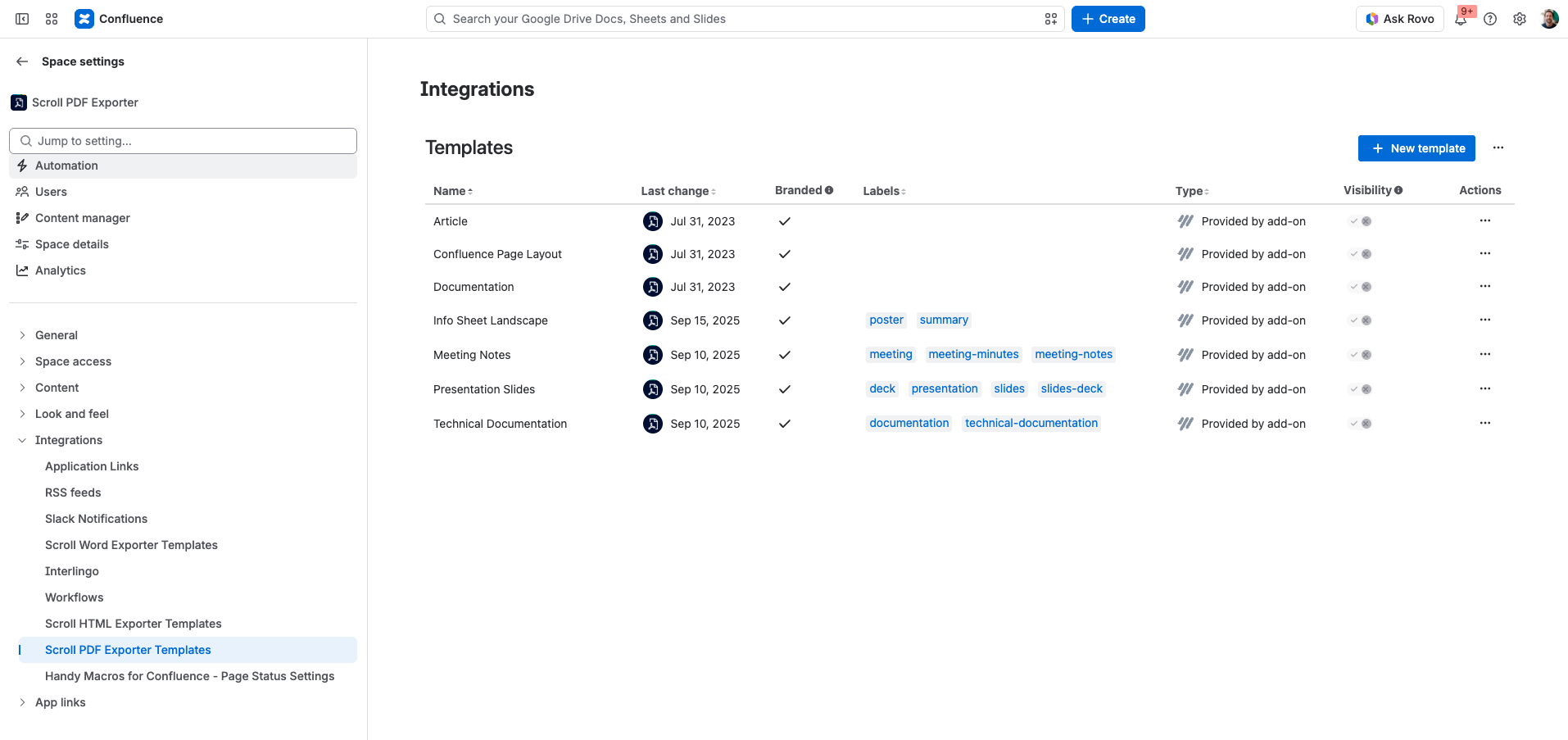
The space-level template management list has been relocated. Instead of being available from the app links in a space, it is now located under the Integrations section within the space settings.
Changes to Macro-Based Export Initiation
If you have developed an app that initiates an export using Scroll PDF Exporter as part of your own functionality, or through events specific to your app using our macro-based integration, this will be affected by the Forge migration.
What has changed? The HTML that contains the Export Job data is changing and is no longer indicating success/error via HTML classes. To determine the success/error of starting an export you would now need to parse the contained JSON and inspect the contained data (either via the `status` property or by checking if a `jobId` is present).
If you are an app developer involved in this type of custom integration, please reach out to us through our support portal and we will be happy to assist further.
Scroll Ignore Macro Content Highlighting No Longer Available
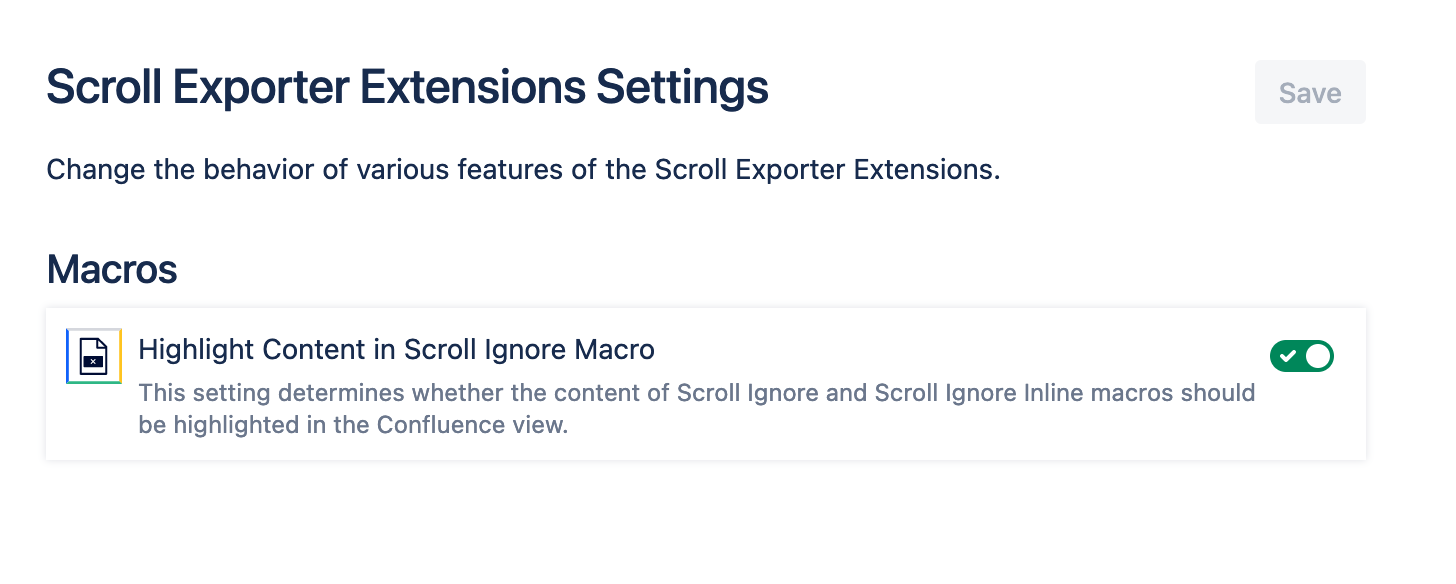
Users of the Scroll Ignore macro (provided by the Scroll Exporter Extensions app) can no longer use the macro's Content Highlighting option following the macro's migration to Forge. This feature previously displayed a grey background around the nested macro content in the Confluence page view, making it clear that the content would be excluded from exports. It also displayed a tooltip when users hovered over the highlighted content to provide additional context.
This functionality is currently unavailable because we are unable to style the background of Forge macro output. We have a public item for tracking this requirement and for investigating the possibilities for re-introducing this feature: EXP-4116