
Within the Export properties, you can set a specific language for the created export template.
This ensures that the document metadata is correct for the export - for example, supporting accessibility by defining the appropriate language for PDF screen readers.
It also ensures that generated content, such as month names in dates, is correctly displayed when using template placeholders.
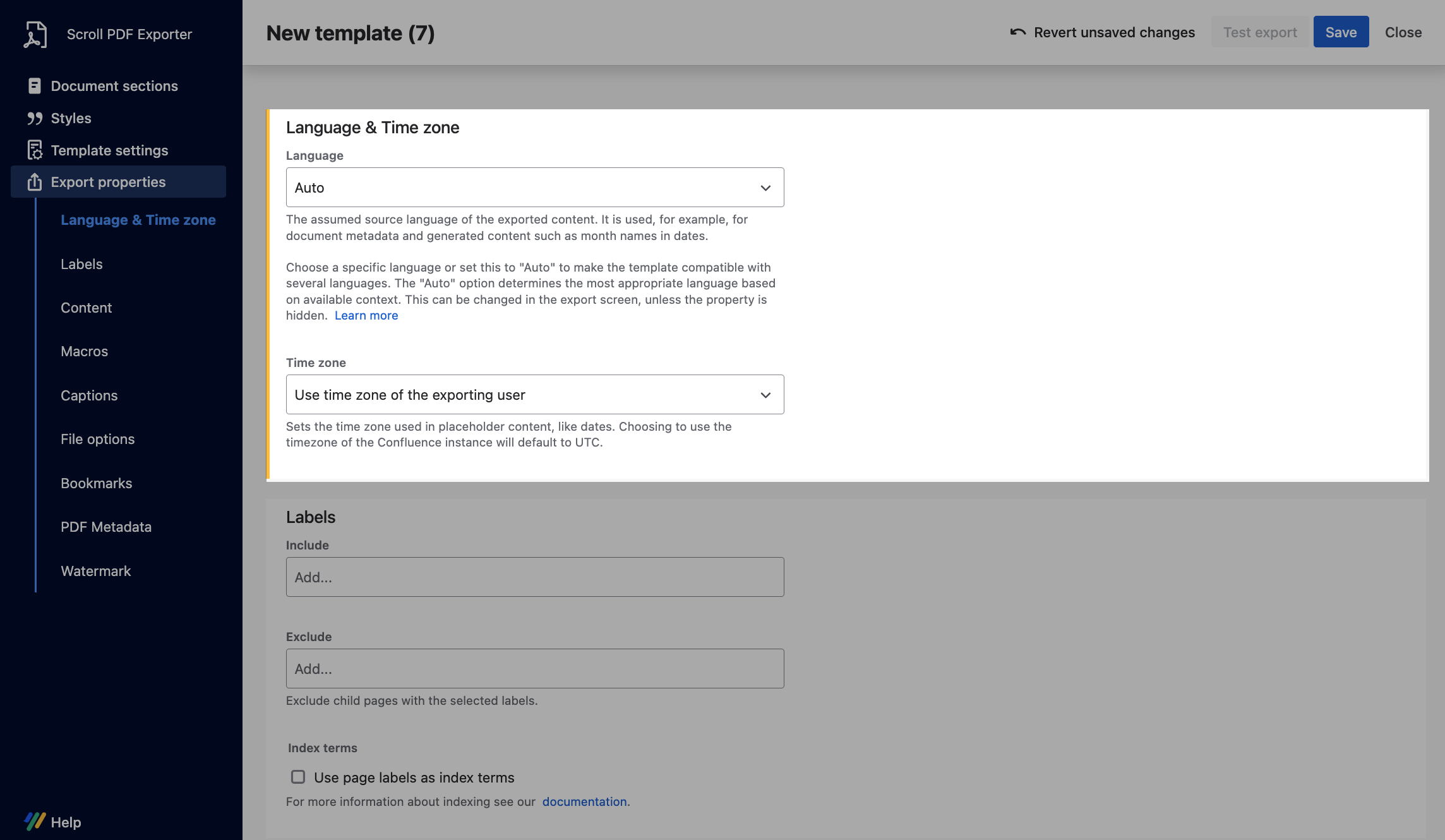
Overview of Settings
From the available drop-down field, a template creator can choose:
-
Auto - the "Auto" option (eg.
Auto (English)) determines the most appropriate locale based on available context -
Literal language - the literal language option (for example,
Italian) sets the export language for the document based on the selected value.
If needed, the language property can also be changed via the export dialogue settings prior to exporting.
What determines the available context?
For the "Auto" option, the available context is defined and prioritized differently depending on the Confluence content being exported. For example, if content managed by Translations for Scroll Content Manager is being exported, the language set for the document translation takes precedence and is automatically used as the export language.
Language export property overridden - if you have selected a literal language in your export template (for example, Italian) but are exporting a document with a different translation (for example, English), the export will automatically default to Auto (English) due to the available context. This means the Language Export property will be different to what was set in the template editor. If needed, you can change this setting prior to exporting via the Export dialog.
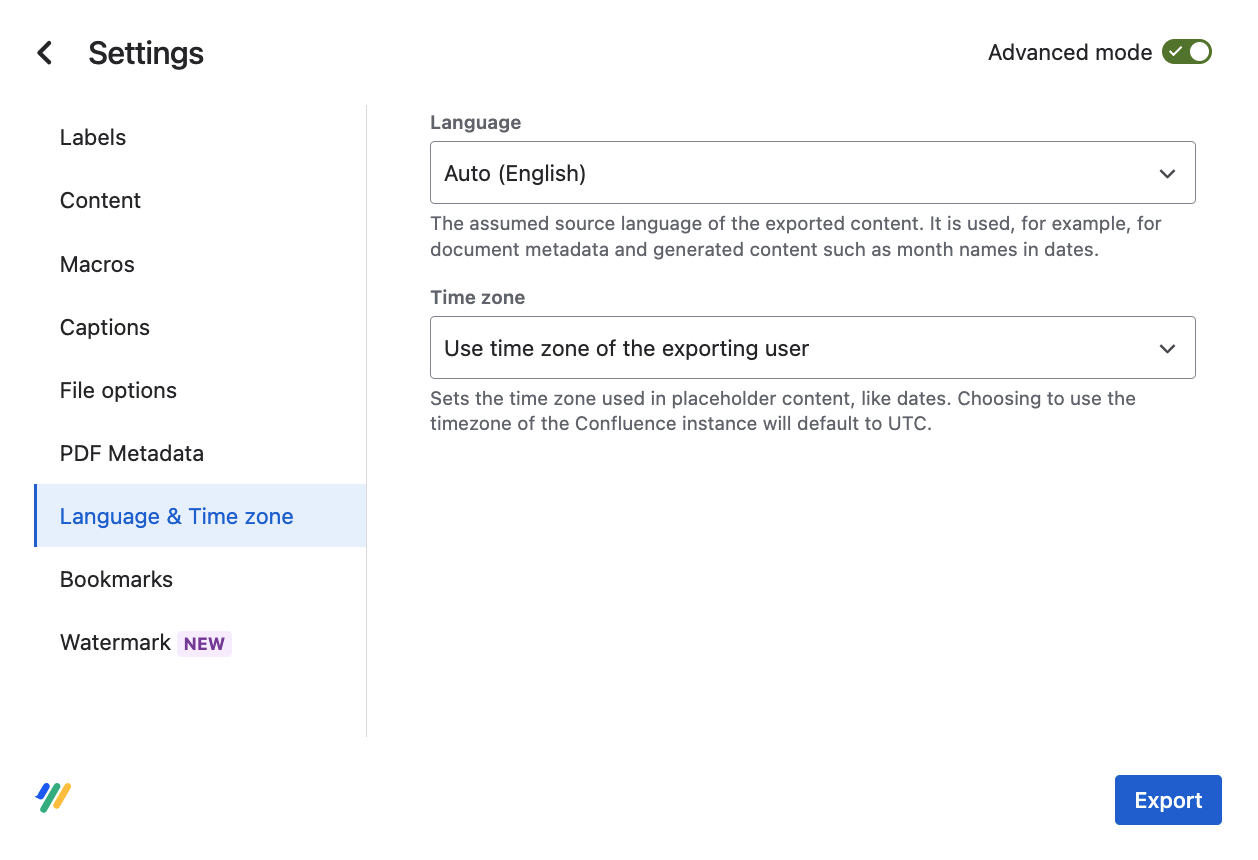
If translated Scroll document content is not being exported, the language for the Language Export property, when set to "Auto" in the template, is determined by the user language set in the browser.
If this value cannot be detected, the next fallback is the instance language defined in the Confluence site settings.