
In Confluence Data Center, you can hide the Scroll PDF Exporter item from the global navigation bar.
Depending on which Scroll Exporter apps are installed, the item may appear directly in the global navigation bar or under the Scroll Apps menu.
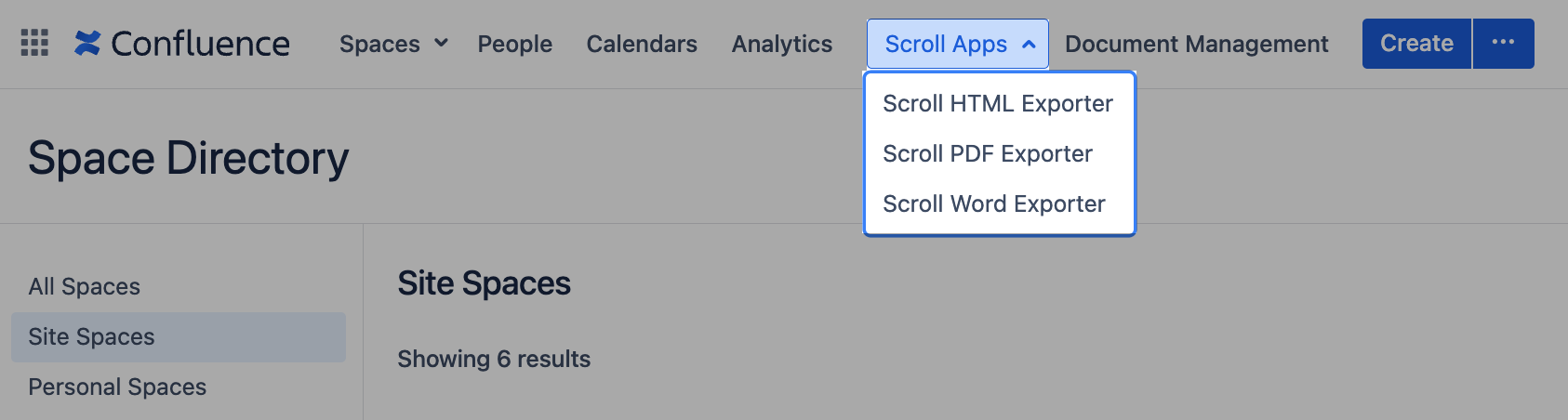
To change this setting, you must have Confluence administrator permissions. By default, the global location setting is enabled for a Confluence instance.
Hide the Global Navigation Item
-
Go to General configuration > Scroll Runtime > Advanced Scroll App settings.
-
In the drop-down menu, select Scroll PDF Exporter.
-
Find the
global.navigation.item.enabledsetting. -
Edit the setting and disable the toggle to hide the global navigation item.