
You can redirect visitors to another Viewport page or web URL of your choosing when viewing a page through a viewport.
Configure a Page Redirect
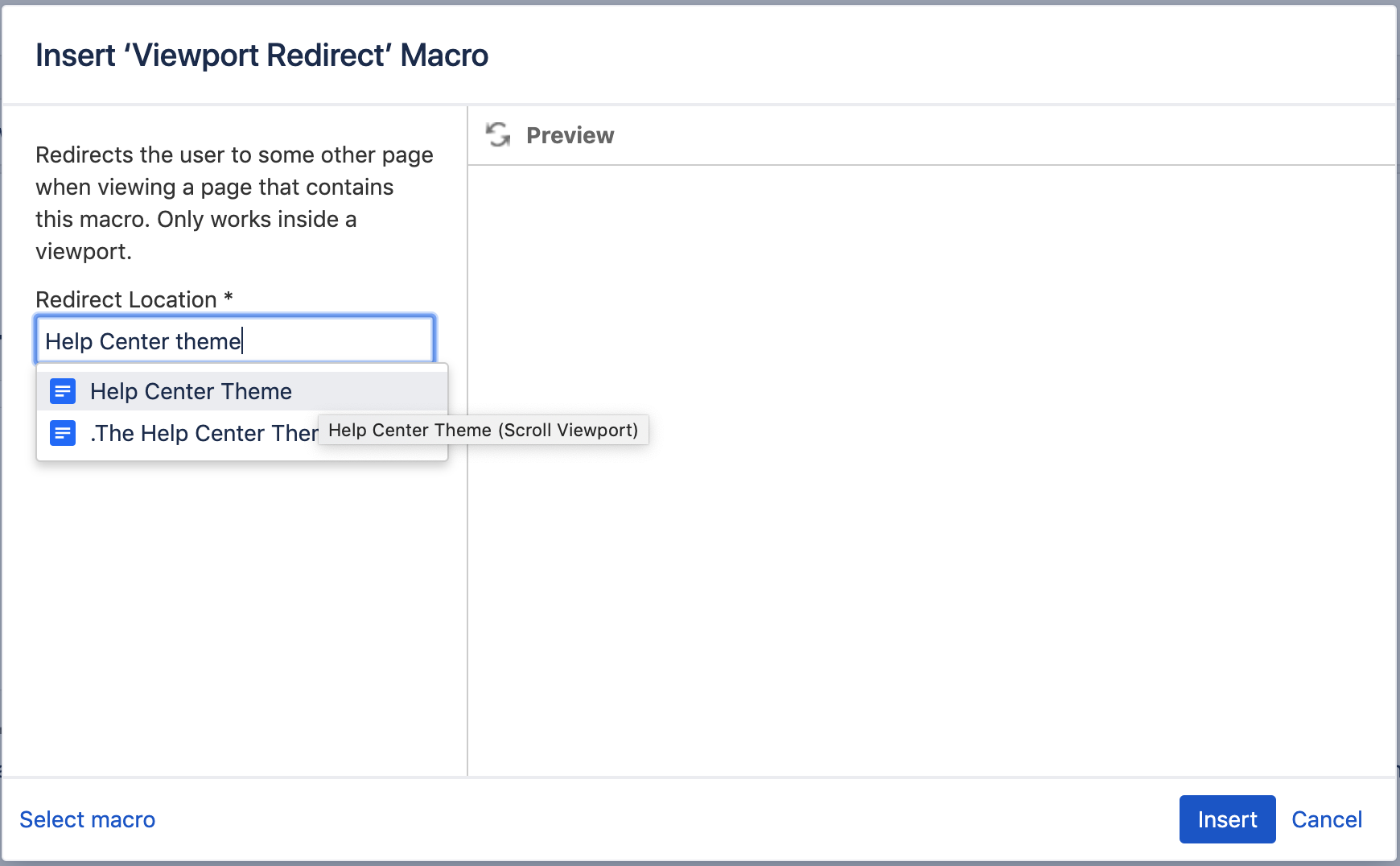
Add a Viewport Redirect macro to the page you want to redirect from. In the Redirect Location field, enter the page that you want to redirect to:
Configure a URL Redirect
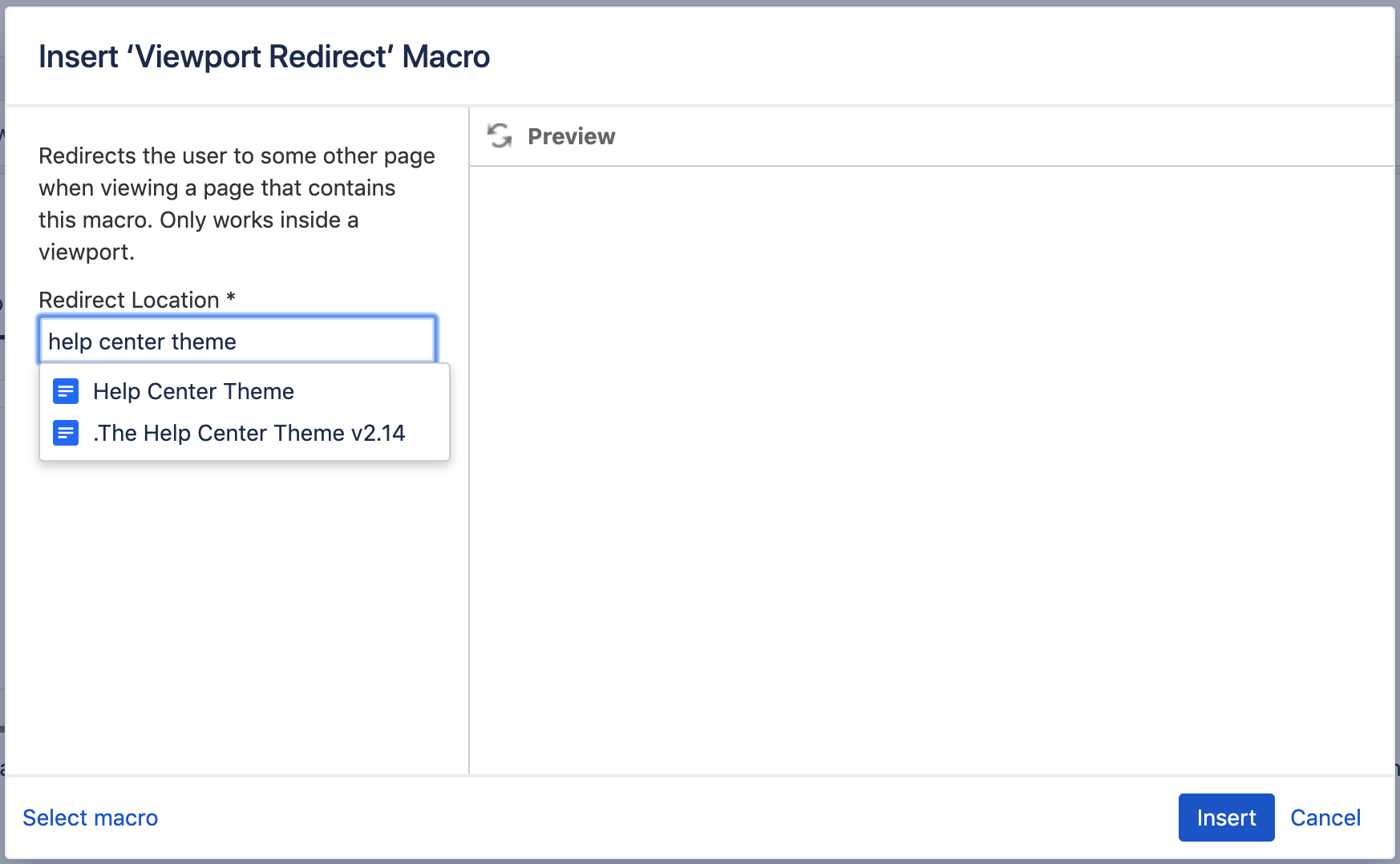
Add a Viewport URL Redirect macro to the page you want to redirect from. In the Redirect Location field, enter the page that you want to redirect to:
When a page is requested through a viewport and contains a redirect macro, the server will respond with the HTTP status 307 (Temporary Redirect). In case this fails for some reason, Viewport will generate JavaScript code that will trigger a redirect in the browser.