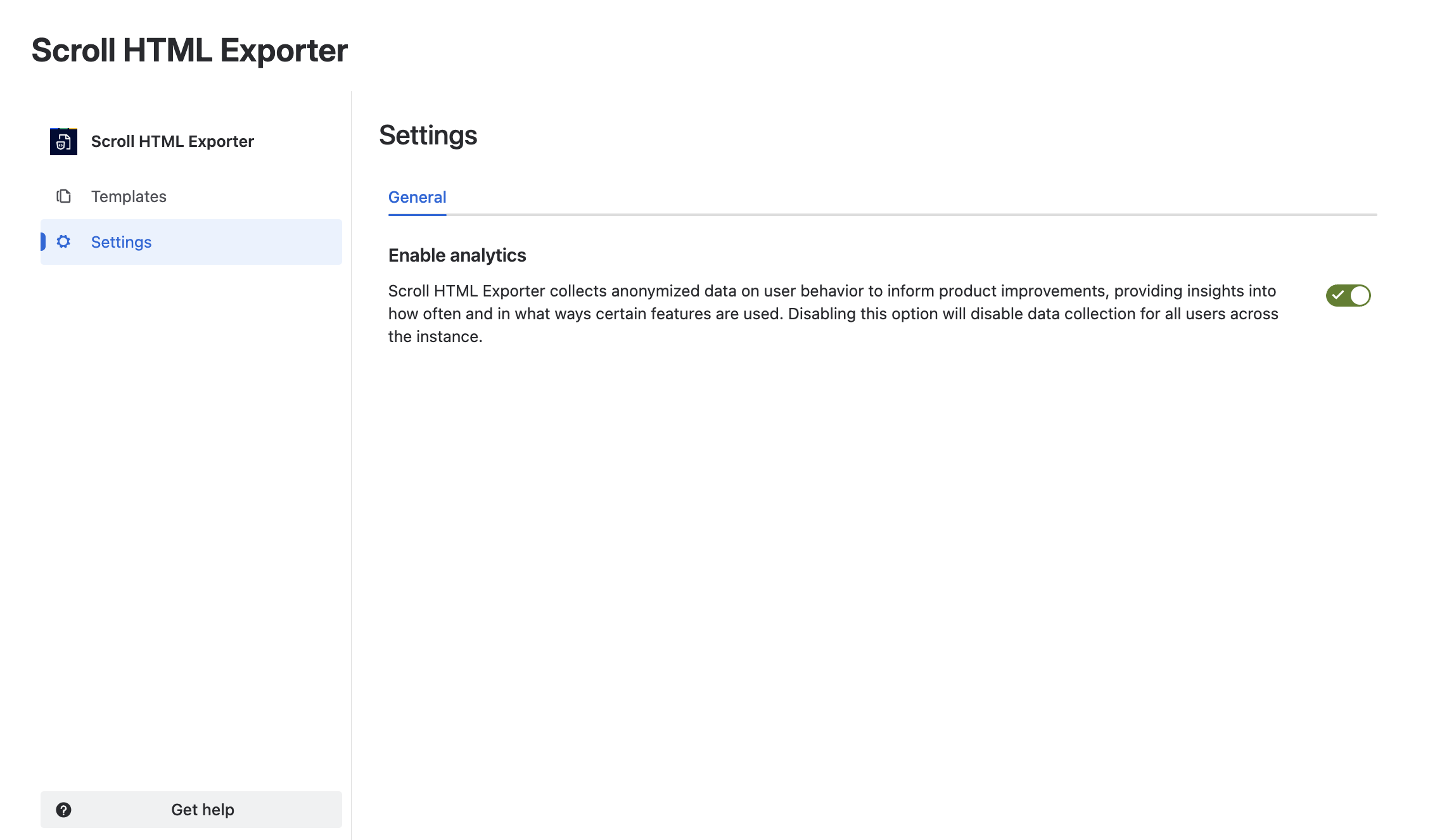
Scroll HTML Exporter collects anonymized data on user behavior to inform product improvements, such as understanding how often and in what ways certain features are used. This data cannot be traced back to individual users and is used solely to enhance our service.
Learn more about what information is tracked.
As a Confluence administrator, you can disable tracking for all users of your Confluence instance, you can follow these steps:
-
Navigate to Confluence administration
-
Click Apps
-
Select Scroll HTML Exporter
-
Navigate to the Settings
-
Under General, you can toggle “Enable analytics” and your changes will take place.