
Symptom
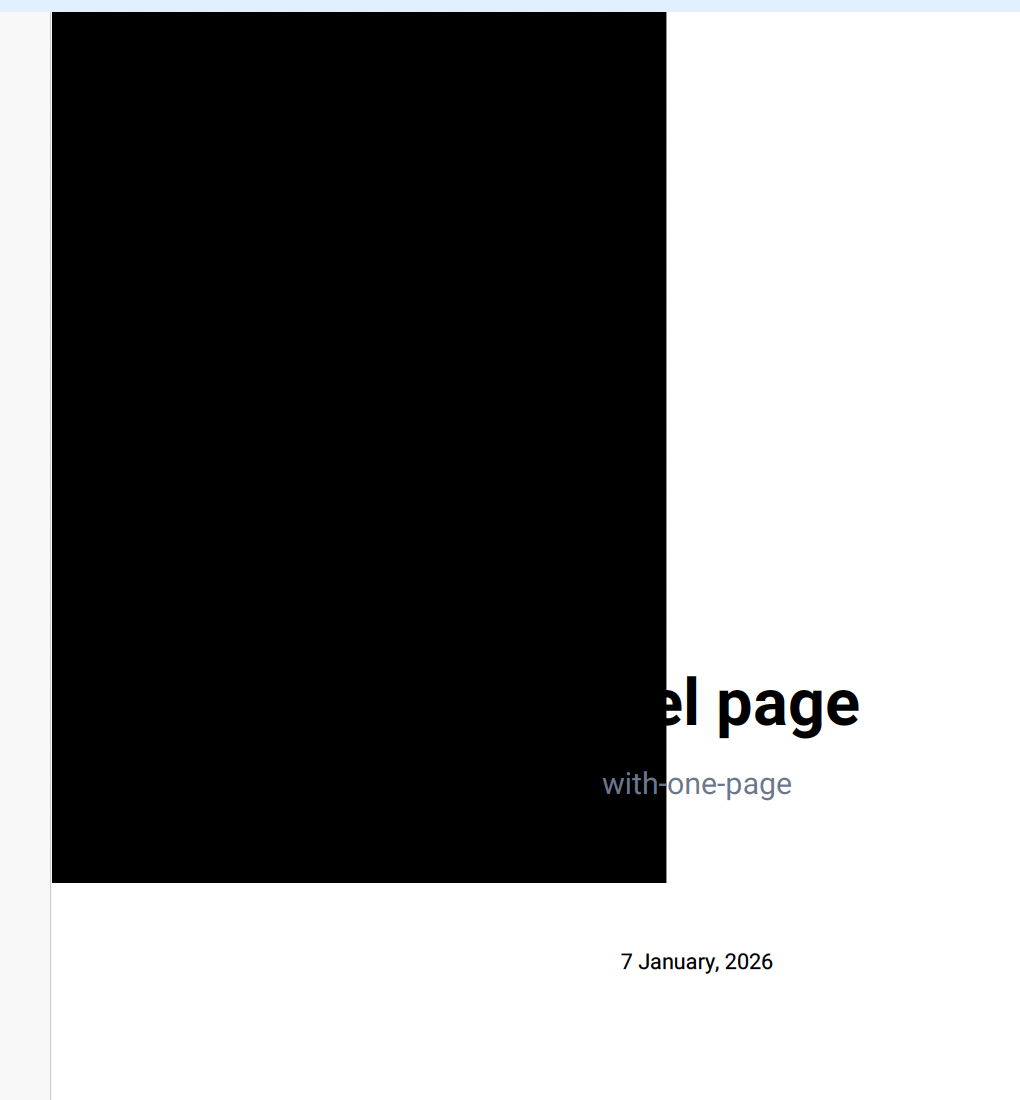
When using SVG images that contain embedded foreignObject elements in an export template, the affected SVGs are not rendered correctly in the generated PDF.
Instead, the affected SVG appears as a solid black box in the exported PDF (see image):
Cause
This is caused by a limitation in the external library that we use in the app.
Resolution
To avoid this issue, we recommend using one of the following approaches:
-
Use an SVG without embedded
foreignObjectelements - replace the SVG with a version that relies only on standard SVG elements (paths, shapes, text, etc.). -
Convert the SVG to a PNG before uploading - rasterizing the image removes the need for canvas-based SVG processing and avoids the tainted canvas limitation entirely.
Using either workaround will ensure that images can be processed correctly and will render as expected in the exported PDF.
Useful Tips
-
When uploading an affected SVG image containing a
foreignObjectto a Document section in the template, the user will be warned about the issue. -
When saving an export template that includes an affected SVG image, the template editor will display a warning message.
-
When generating an export that includes an affected SVG (either in the exported page content or in the export template), a corresponding warning will appear in the issue log, indicating that the specific image(s) could not be processed correctly.