To strengthen security, reliability, and alignment with Atlassian Cloud, Scroll ImageMap has migrated from Atlassian Connect to Forge. The app now Runs on Atlassian, using only Atlassian-hosted compute and storage to meet strict data privacy requirements.
The migration does not change how you use the app, but you may notice a few app differences which are summarized below.
The documented changes are a result of the migration to Atlassian Forge and reflect current platform capabilities and limitations. We continue to work with Atlassian's evolving platform and will make improvements as Atlassian expands Forge's capabilities.
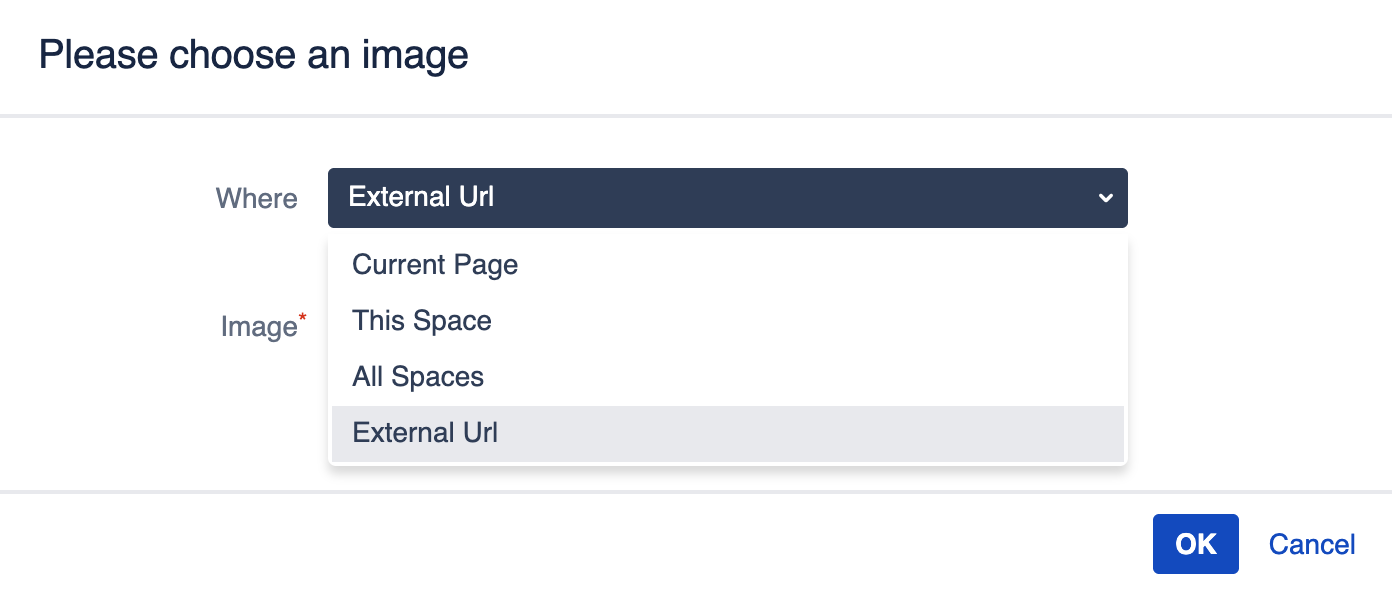
External image URLs are no longer supported
The External Url option is no longer available in the Scroll ImageMap macro editor. This change was required to meet the eligibility criteria for Runs on Atlassian status.
Existing Scroll ImageMap macros that use an external image URL will now show a warning message (see below) instead of the linked image. To fix this, users are required to upload the image as a Confluence attachment and reconfigure the affected Scroll ImageMap macro to use the newly attached image.

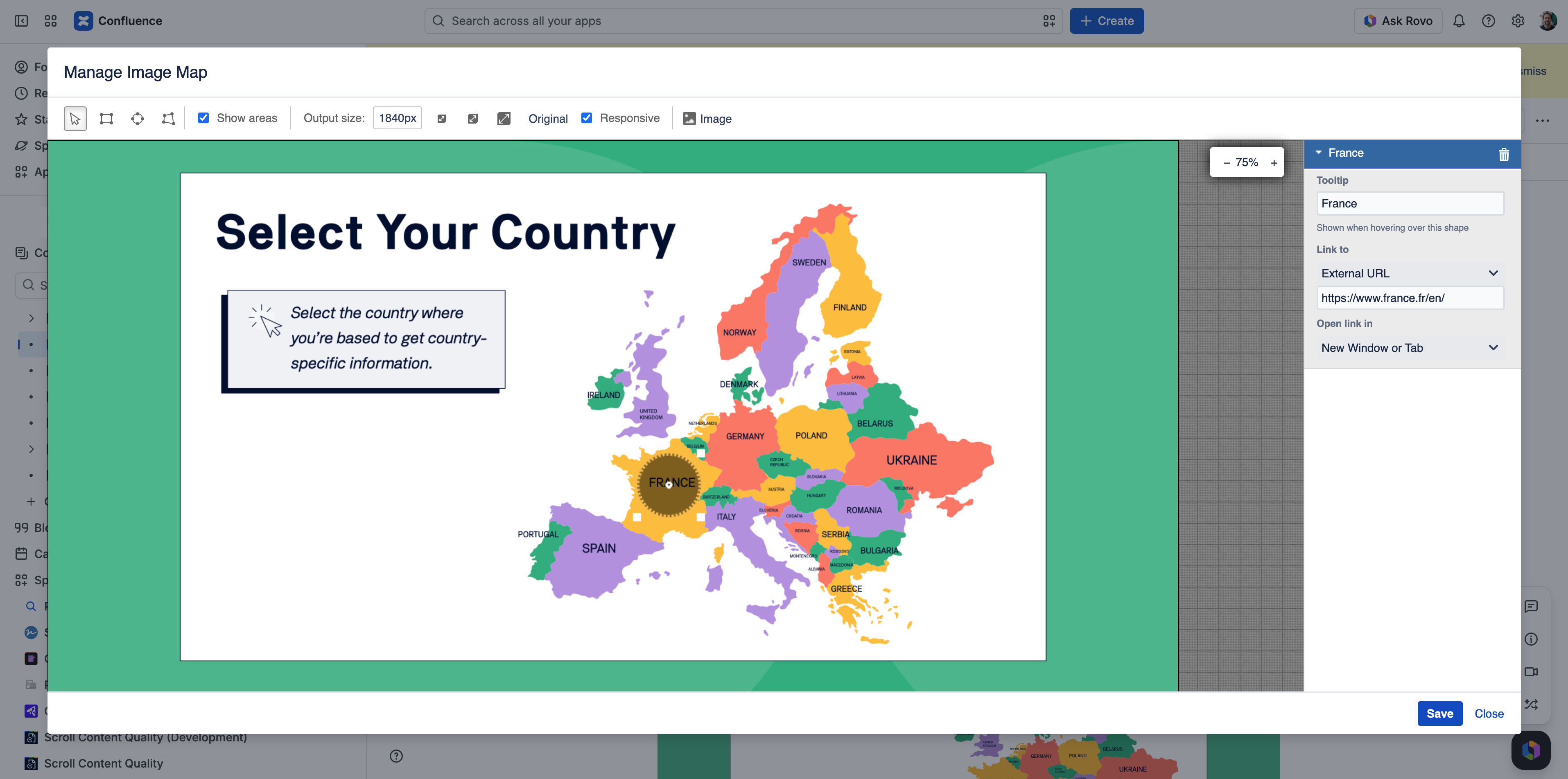
Larger User Interface Elements
The Scroll ImageMap interface now appears larger than before, taking up almost the full screen. This is caused by current Forge UI resizing limitations, which prevent us from matching the previous Connect-based dimensions. The functionality of the editor remains unchanged.
External link warning now displayed
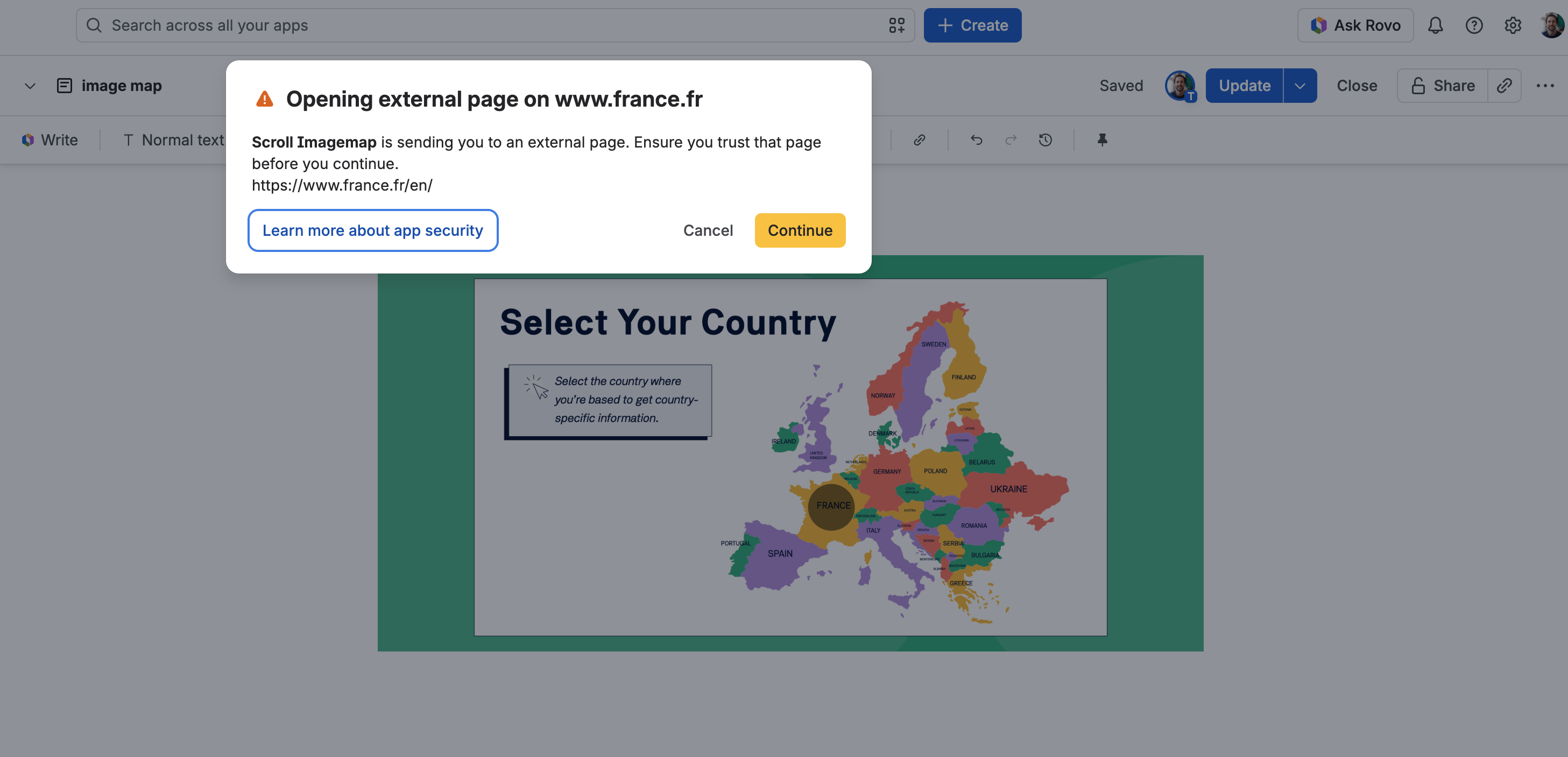
When users click an external link in a Scroll ImageMap, Confluence now displays a warning that the link opens an external page (see below). Users can review the destination before continuing.