
What are Branded Templates?
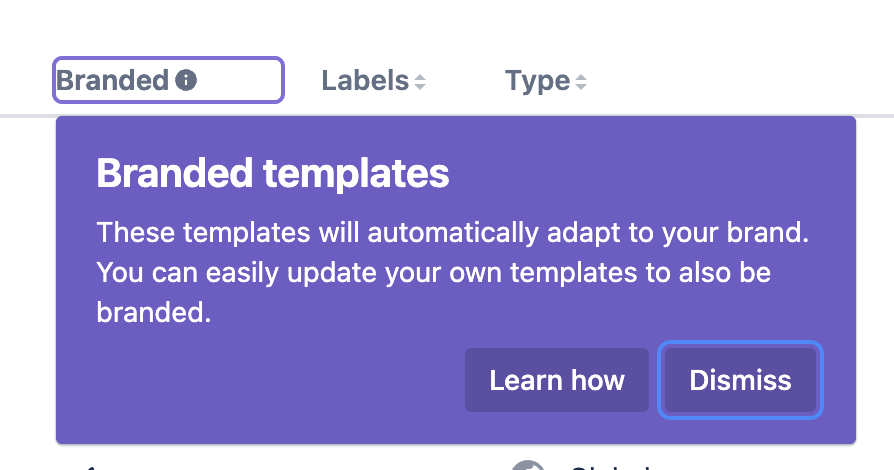
Branded Templates are export templates that include specific assets that are defined from a central brand, configured via the global template list for Scroll PDF Exporter. The brand consists of your logos, colors and fonts.
-
Once a brand is set up, newly created export templates will automatically become branded.
-
Existing templates, that were created before a brand was set up, will only become branded if a brand asset (ie. logo, color, font) is selected when the template is edited.
-
If no brand is configured, no branded template will be created - instead a standard export template will be created
Why Set Up a Brand and Create Branded Templates?
Easily Adapt your Export Templates
For templates which are branded, it remains possible to make changes in one place via the configured brand, and these changes will then be applied to all Branded Templates.
For instance, if your company logo changes in the future, you can just update the logo(s) to your brand, and the logo will be updated in all respective Branded Templates.
Don’t Rely on Just One Export Template
If like many of our users, you’ve probably created a great export template that serves most your export needs well. But not all Confluence content is the same – and your exports shouldn’t be either.
Different types of content serve different purposes. A letter looks nothing like technical documentation, an HR policy, or a project plan. Each one requires its own layout, branding elements, and placeholders. Trying to use one catch-all template often means compromising on clarity or design.
We recommend creating multiple export templates, each tailored to the content it’s exporting.
Our PDF Template Library showcases real examples of how different content types benefit from having dedicated templates.
But until now, keeping each template aligned with your brand meant reapplying the same logo, fonts, and colors every time.
That’s where Branded Templates come in. Set up your brand once – logo, colors, and fonts – and it’ll be available in every branded export template you create. No need to repeat the same setup every time.
The result? Professional, consistent, and purpose-fit PDFs for every type of content you export.
Global and Space-Level Brands
A brand can be configured either globally or for an individual space. A global brand provides brand assets across the Confluence instance, while a space-level brand allows a space to define its own branding.
This is useful when different spaces represent different teams, departments, products, or organizations and require their own branding. A space-level brand only applies to templates within the space where it is configured. It does not change the global brand or the branding of templates in other spaces.
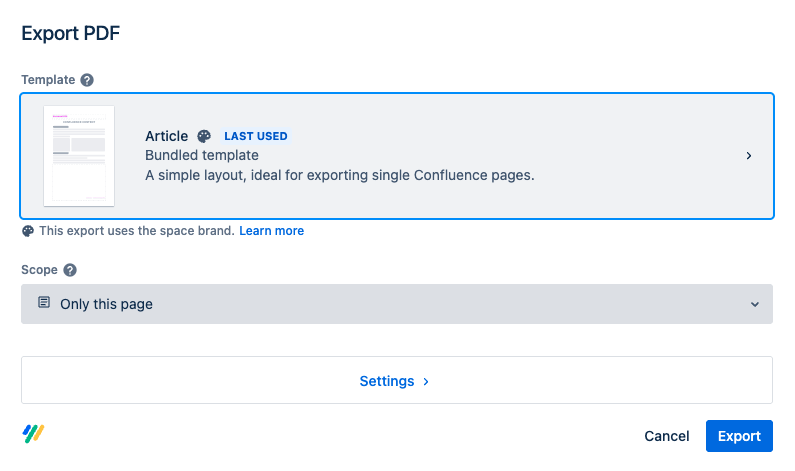
The export dialog indicates whether the selected export template uses the global brand or a space-level brand. This makes it clear which brand settings will be applied to the export.
Next Steps
Check out our documentation to learn how to set up a brand and how to create Branded Templates.