
Delete a read request for all readers at any time.
You need Confluence space administrator permissions to overview and manage all read requests.
How to Delete a Read Request
-
From the Document Library, click Read requests in the upper right corner.
-
Click More actions (•••)
-
Select Delete request.
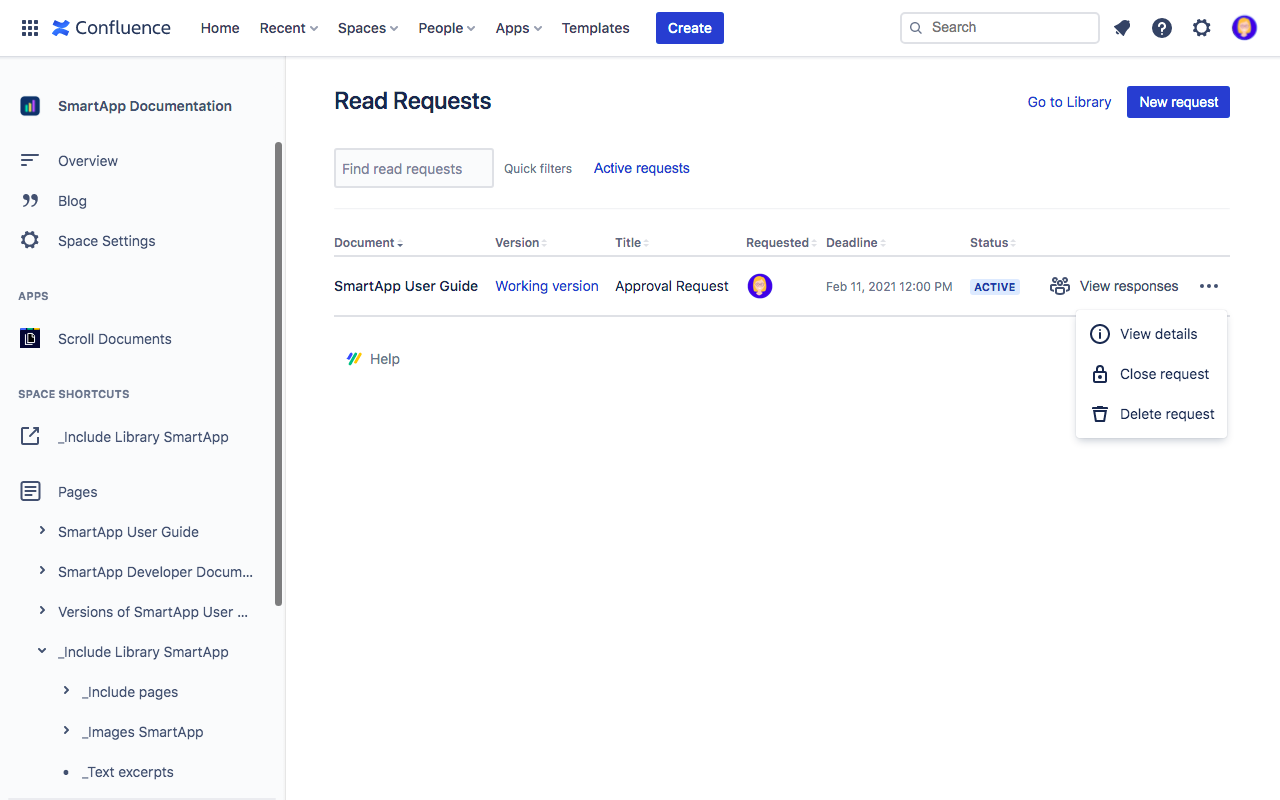
4. In the Delete Read Request dialog, click Delete.
All deleted request will be permanently removed from the list of read requests.