
Scroll Sites 2026-01-20 introduces improvements to the help center theme: new color mode choices (dark, light, auto), enhanced Open API macro support and the ability to define if footer and header links should open in a new tab.
This release also discloses a security issue affecting an open redirect vulnerability, which was closed with this release.
Choose Your Site’s Color Mode (Dark, Light, System) or Let Your Users Decide
You can now choose to set your site to either light (default) or dark mode. Alternatively, you can enable a color mode picker, so your site visitors can choose themselves if the site displays in light (default), dark or auto (according to their system’s configuration).
Once enabled, the color mode picker will be added to your site’s header and is therefore available to use from all pages in your site.
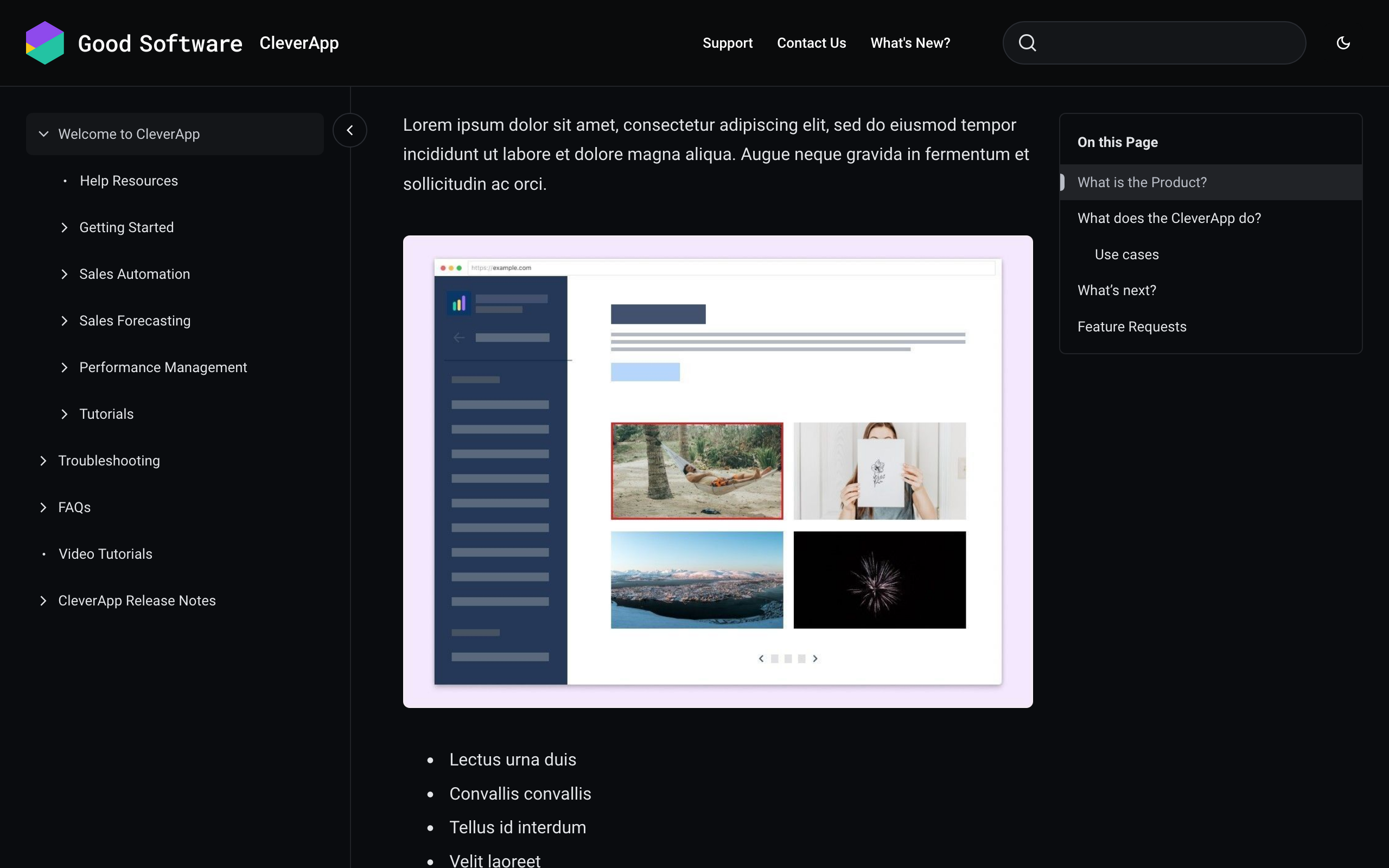
To enable the color mode or color mode picker, open the theme configurator tab Site and go to the Global section. To ensure optimal results, you are also able to define logos, images and text colors for both dark and light mode.
→ Read more about your options to customize the color mode in your site on Customize Header, Footer, Favicon, Logo and Color Mode.
→ Test out the color mode picker on an example help center site!
Decide If Header and Footer Links Open In a New Tab
For each of the links you add to your site’s header and footer, you now have the option to specify whether the link should open in the same tab as your site (default) or a new tab.
When adding a link under Site settings > Look and feel > Customize theme > Sections > Header/Footer > Links, simply turn on the toggle Open in new tab if you’d like the link to open in a new tab.
→ Read more about your options to customize the header and footer in your site on Customize Header, Footer, Favicon, Logo and Color Mode .
Please refer to the Jira items below for more details on the individual improvements and bug fixes.
Improvements
Bug Fixes
-
STS-65: Emoji in heading is rendered as unicode escaped sequence
-
STS-84: Link text from linked headings display special characters encoded
-
STS-87: Code snippet macro nested in a table widens table
Security Fixes