
Let your help center visitors view your latest releases notes and roadmaps, published straight from Jira.
Currently, Scroll Sites supports and integrates with Released.so.
Released.so
Released is a Jira app that helps you create release notes and roadmaps straight out of your Jira issues using the assistance of an AI copywriter. These release notes and roadmaps can then be embedded into your Scroll help center site.
To make use of this integration, you'll need to install the Released.so Jira app from the Atlassian marketplace first. Please refer to the marketplace listing for pricing information.
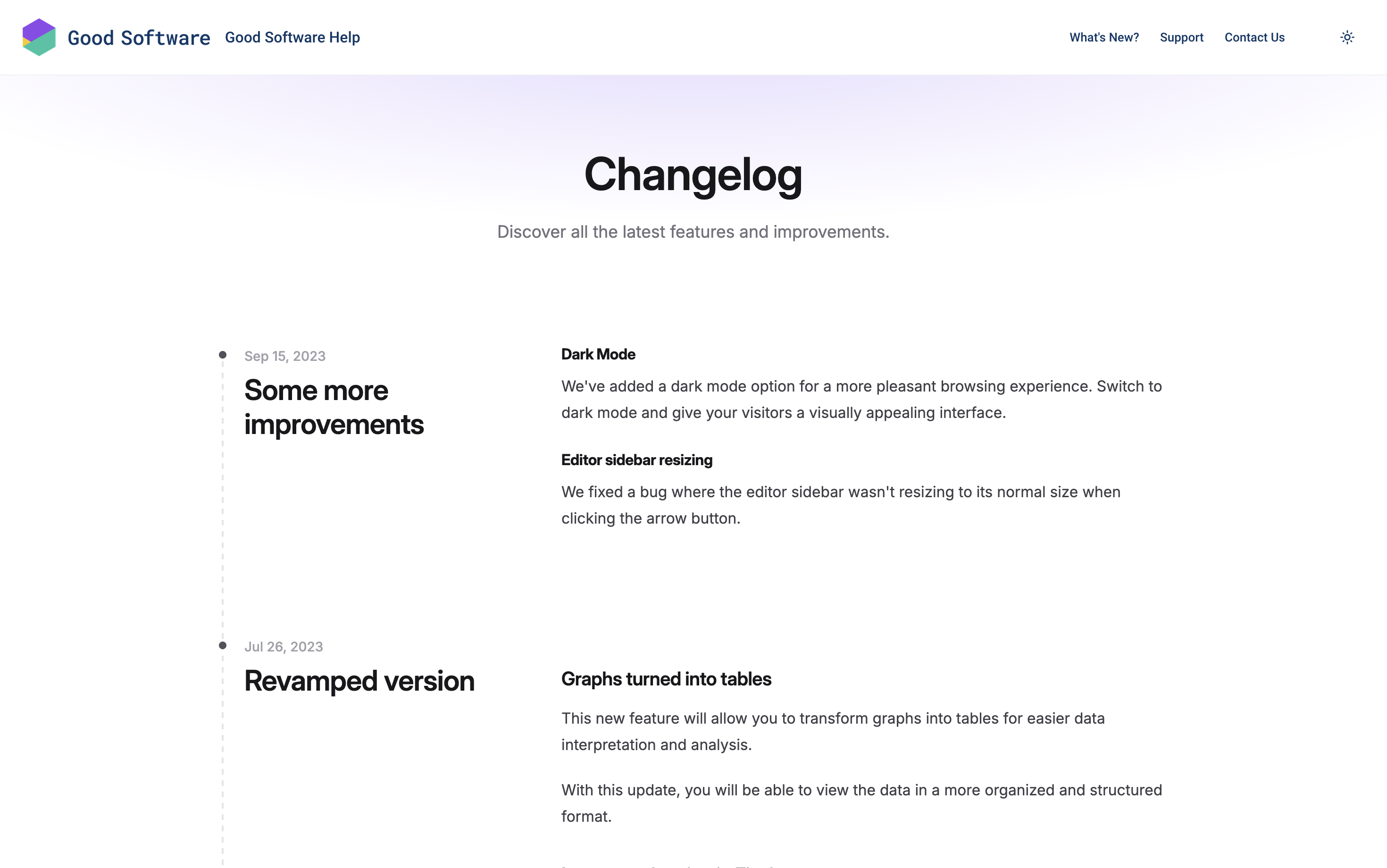
Released lets you publish all your release posts into a standalone announcement page. You can make this announcement page and its content appear from a page linked in the header of your Scroll site.
This page will always reflect the latest updates that you publish with Released, without having to update your Scroll site.
To set up the integration with Scroll Sites click Customize Theme in your site settings. From the theme configurator:
-
Select the Integrations tab.
-
In the Release Notes and Roadmaps section, enable the toggle for Released.
-
In the Channel ID field, enter your Channel ID (Learn how to find the channel ID in the Released settings in your Jira project).
-
In the Header link text field, enter the link text that should display in your site’s header.
-
Click Save changes and close the theme configurator.
-
In the Site settings screen, click Save changes or Publish Changes.
With your next site update, the Released announcement page will be accessible from the URL /releases or the link in your site’s header. The link URL itself is not configurable.
When opening the page, your announcements from Released will be rendered over it. Any changes you make in Released that affect the announcement page will automatically reflect on this page - no site update needed.
If you want to embed multiple release notes in your site (e.g. one per content source) or prefer showing your Released announcements from all pages included in your site, check out Integrate Release Notes and Roadmap from Released.so.
Recommended Reading:
For more information about structuring release notes in Confluence, see the following article in Rock the Docs: